️ Puzzleinbox Alternative & Review
Puzzleinbox review with pricing, ratings, pros, cons, features, key drawbacks, and a clear verdict for cold email infrastructure buyers in 2026.
Key Takeaways
- PuzzleInbox is positioned around low-cost Google Workspace and Microsoft Office 365 mailboxes. Its homepage promotes standard and warmed Google Workspace and Outlook 365 mailboxes, pre-configured DNS, 24-72 hour delivery, and entry pricing as low as $0.35 per Outlook inbox.
- Maildoso is stronger when teams need SMTP capacity, Google Workspace options, recovery logic, and clearer infrastructure operations. Maildoso publishes SMTP package pricing, SMTP + Google Workspace bundles, IP rotation, self-healing mailboxes, inbox placement checks, and a public 30-day money-back guarantee.
- PuzzleInbox can be attractive for budget-conscious Office 365 scaling. Its Outlook 365 pricing starts very low, and the warmed option remains inexpensive compared with direct mailbox procurement.
️ Puzzleinbox Review
Puzzleinbox review with pricing, ratings, pros, cons, features, key drawbacks, and a clear verdict for cold email infrastructure buyers in 2026.
Rating & Reviews
Pros
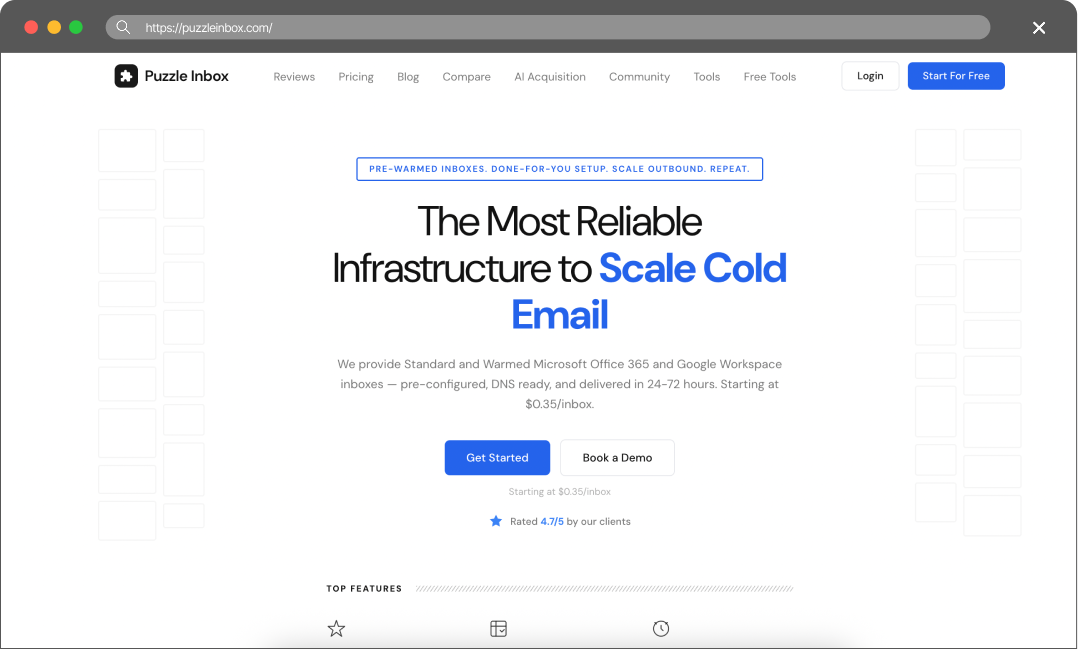
- Low Outlook 365 entry price. PuzzleInbox lists Standard Outlook 365 at $0.35 and warmed Outlook 365 at $0.50, which can be attractive for teams that need inexpensive Microsoft-based mailbox volume.
- Google Workspace and Outlook coverage. The platform offers both Google Workspace and Microsoft Office 365 mailboxes, which gives buyers more flexibility than providers that only cover one ecosystem.
- Warmed mailbox option. PuzzleInbox sells warmed Google Workspace and Outlook mailboxes, which may reduce the manual ramp-up burden for teams that do not want to manage early warmup entirely by themselves.
Cons
- 🔴 API access is not clearly disclosed. The official pages reviewed did not show public API documentation or a clear API access policy, which can limit automation for agencies managing many clients.
- 🔴 Company transparency is thin. The checked About page returned 404, and public pages did not disclose founders, launch date, legal entity, or headquarters.
- Outlook limits are conservative. The Outlook 365 plans state 3 emails per mailbox per day, which may require many mailboxes for campaigns with meaningful daily send volume.
Maildoso Review
Maildoso is an outbound infrastructure provider built around dedicated IPs, white-glove deliverability onboarding, and a flat per-mailbox model with no per-account cap. It is designed for sales and demand-gen teams that need predictable inbox placement at scale without operating their own mail servers.
Maildoso Pros
- Dedicated IPs from day one — no shared-pool contamination from neighbouring senders.
- White-glove onboarding with deliverability engineers; SPF, DKIM, and DMARC configured for you.
- Flat per-mailbox pricing with no monthly send cap and no per-account markup.
- Direct support from a team that operates mail infrastructure, not generic ticket triage.
Maildoso Cons
- Higher entry price than shared-IP services aimed at single-mailbox use.
- Designed for teams sending at scale; overkill for one or two mailboxes.
Detailed Pricing Comparison
| Mailbox type | Price per mailbox | Minimum package |
|---|---|---|
| Maildoso SMTP | $0.49-2.5 | $25 |
| Maildoso GW | $2.7-4 | $40 |
| PuzzleInbox GW | $3-4.5 | $90 |
| PuzzleInbox MS 365 | $0.35-0.5 | $35 |
Feature Comparison Table
| Feature | Maildoso | ️ Puzzleinbox |
|---|---|---|
| Mailbox types | SMTP, GW | GW, MS 365 |
| API Availability | Full access (on all plans) | No access |
| IP type | IP rotation (best for deliverability) | Shared |
| Self-healing mailboxes | Support | Email, Chat, Slack, Tech Audits |
| Refund policy | 30-day guarantee | |
| No refunds | Trials | 300 mailboxes for 30 days |
| Not specified | Final rating | ⭐⭐⭐⭐⭐ |
Scaling cold email is no longer only a question of writing better sequences or buying more leads. The operational bottleneck is infrastructure: domains must be configured correctly, mailboxes must stay healthy, IPs must not accumulate reputation damage, and burned accounts need to be replaced or recovered before campaigns collapse. When deliverability drops, teams often lose not only a campaign but also the mailbox history, DNS setup time, and warmup period that made the infrastructure usable in the first place.
That is why outbound teams increasingly compare specialized mailbox providers rather than relying only on standard Google Workspace or Microsoft 365 procurement. A reliable provider should make setup fast, keep costs predictable, and reduce the risk that a single mailbox or IP issue forces the team to rebuild the whole system.
This comparison looks at PuzzleInbox and Maildoso as infrastructure providers for cold outreach teams that need scalable sending capacity without turning email operations into a full-time engineering project.
Key Takeaways
PuzzleInbox Review
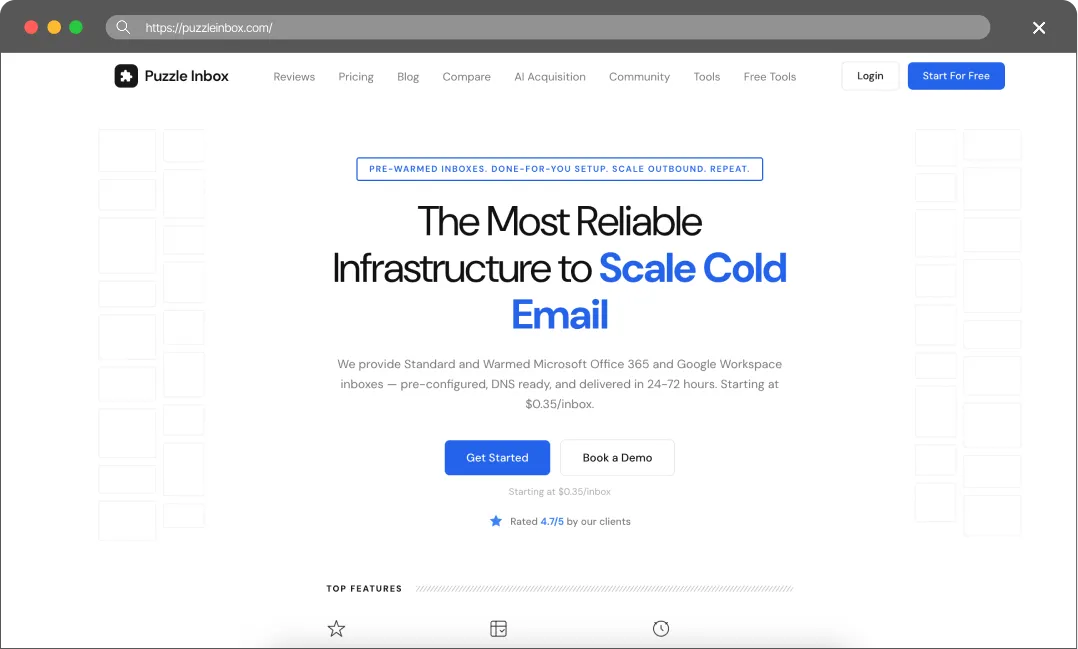
PuzzleInbox is a cold email infrastructure provider focused on Google Workspace and Microsoft Office 365 mailboxes. Its official homepage describes standard and warmed mailboxes that are delivered in 24-72 hours, DNS-ready, and designed for outbound teams that do not want to manually configure SPF, DKIM, DMARC, OAuth, SMTP/IMAP connections, and warmup workflows.
The product is best understood as a mailbox procurement and setup layer for agencies and sales teams that need many mailboxes quickly. PuzzleInbox states that it is used by 1,200+ agencies and sales teams, has deployed 70,800+ active mailboxes, and is rated 4.7/5 by clients on its own website. These are official website claims rather than independent review-platform metrics.
Public company background is limited. The checked /about page returned a 404 page, and the official website did not disclose a founder, launch date, headquarters, or legal entity in the accessible pages reviewed. While this might not directly affect the product’s performance rating, it is nonetheless a major red flag. Read the Terms of Service twice and check the reviews thoroughly before risking your money.
We want to warn you that according to PuzzleInbox’s payment links, billing occurs every 29 days rather than once a month.
The True Cost of Bad Deliverability
It’s tempting to choose a provider based solely on the lowest price, but budget infrastructure often leads to hidden costs. When deliverability drops, the consequences usually show up in three areas:
- Burned Leads: High-quality B2B data is expensive. If emails land in spam, those contacts never see the pitch, and the budget spent on data is lost.
- Damaged Domains: Fixing a domain flagged by spam filters can be a massive headache. Often, it’s easier to just buy a new one and start the warm-up process all over again.
- Missed Revenue: Every missed inbox is a missed meeting. In B2B sales, losing even one connection can mean missing out on thousands in closed revenue.
Cold email infrastructure is better viewed as an investment. Maildoso provides the technical tools to protect domain reputation and help keep emails in the primary inbox.
Final Thoughts
Pre-warmed mailboxes sound great in theory. However, since they aren’t always warmed up properly—and you have no way to verify this, forcing you to simply take the provider’s word for it – while also being more expensive, we recommend warming them up yourself using any sequencer or third-party service. This way, you can be 100% certain that your mailboxes are actually ready for use.
You can do this through Maildoso. There are no conclusive studies on the market proving that Google Workspace mailboxes perform better than SMTP (and in any case, we offer both types).
It’s also important to note that their order delivery time (according to the PuzzleInbox website) ranges from 24 to 72 hours. For many teams, this is simply too long – at Maildoso, we create SMTP mailboxes in seconds, and Google Workspace accounts in just a couple of hours.
FAQ
Is PuzzleInbox cheaper than Maildoso?
PuzzleInbox’s MS 365 mailboxes are cheaper at just $0.35. However, if you look closely at their website, you’ll see that you can only send 3 emails per day from each mailbox. In contrast, you can typically send up to 30 emails using SMTP mailboxes. This means the real cost is actually 10 times higher, and the entire benefit of the low price completely vanishes
Which platform is better for agencies?
PuzzleInbox can work for agencies that mainly need inexpensive Outlook mailboxes. Maildoso is usually better for agencies that need API access, bulk operations, self-healing mailboxes, and repeatable infrastructure workflows across clients.
Does PuzzleInbox have a money-back guarantee?
It seems like a refund policy exists, but if you look closely, it’s buried under so many fine-print conditions that, in practice, you have zero guarantees. If you get your mailboxes and they get burned the day after warmup, you’re on your own – you’ll have to buy new ones. Meanwhile, Maildoso offers a 30-day money-back guarantee for SMTP mailboxes.
Which provider is better for mailbox recovery?
Maildoso is stronger for automated recovery because it publishes self-healing mailbox logic. PuzzleInbox does mention replacement conditions for certain suspended mailboxes, but the policy is conditional.