️ Mission Inbox Alternative & Review
Mission Inbox review with pricing, ratings, pros, cons, features, key drawbacks, and a clear verdict for cold email infrastructure buyers in 2026.
Key Takeaways
- Mission Inbox is positioned as an SMTP mailbox and API sending provider. Its official pricing page describes SMTP mailboxes, API sending, dedicated IP addresses, MI Shield protection, and plans for agencies, startups, platforms, and enterprise senders.
- Maildoso is stronger for teams that want lower entry pricing, IP rotation, self-healing mailboxes, and Google Workspace options. Maildoso publishes SMTP package pricing, Google Workspace bundles, self-healing mailboxes, IP rotation, inbox placement checks, public API documentation, and a 30-day money-back guarantee.
️ Mission Inbox Review
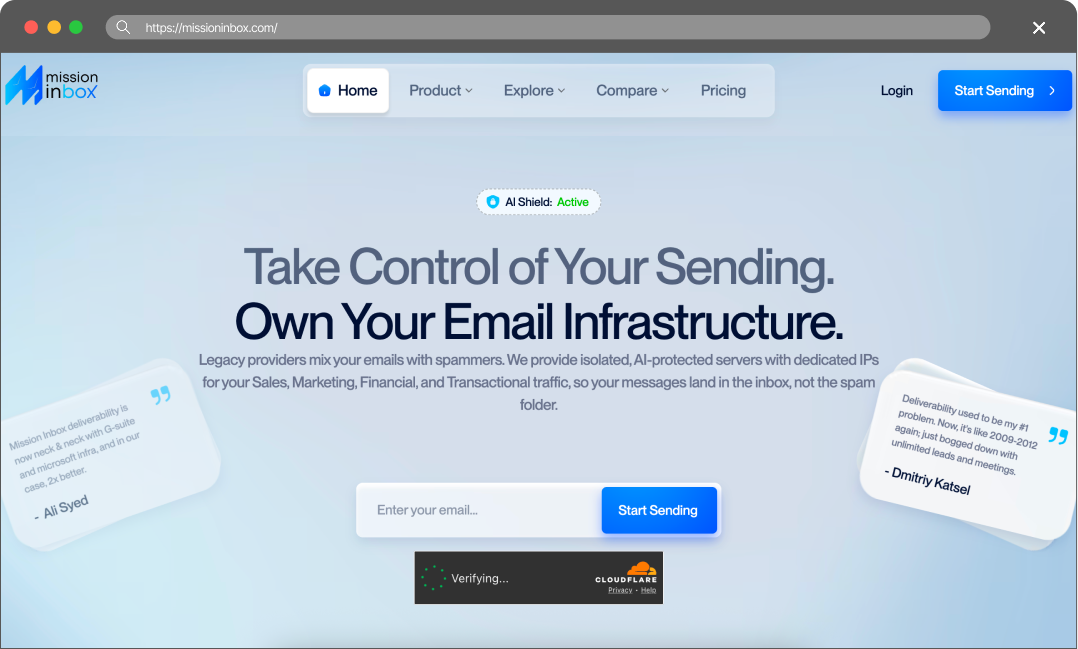
Mission Inbox review with pricing, ratings, pros, cons, features, key drawbacks, and a clear verdict for cold email infrastructure buyers in 2026.
Rating & Reviews
I have recently moved to MissionInbox They seem to have a lot of this worked out and it’s not much more than using M365 / GWS plus some other domain and SPAM health tools
— user review
Pros
- 🟢 Dedicated IPs are included.The Starter plan includes 2-3 dedicated IP addresses, which can be attractive for teams that want more control over sending reputation than shared SMTP pools.
- 🟢 API sending is available. Mission Inbox unlocks API sending on the Pro plan, making it relevant for platforms and higher-volume teams that need programmatic sending.
Cons
- 🔴 Higher entry cost. The lowest public plan is $199/month for 30 mailboxes, compared with Maildoso’s $75/month public SMTP starter plan.
- 🔴 API requires Pro.API sending is locked behind the $599/month Pro plan, which may be too high for smaller teams that still need automation.
- 🔴 Trial and refund are not prominent. The pricing page reviewed did not clearly show a free trial or a money-back guarantee comparable to Maildoso’s 30-day guarantee.
- 🔴 SMTP focus is narrower. Mission Inbox is clearly SMTP-oriented, while Maildoso also offers Google Workspace-oriented options for teams that need hybrid infrastructure.
Maildoso Review
Maildoso is an outbound infrastructure provider built around dedicated IPs, white-glove deliverability onboarding, and a flat per-mailbox model with no per-account cap. It is designed for sales and demand-gen teams that need predictable inbox placement at scale without operating their own mail servers.
Maildoso Pros
- Dedicated IPs from day one — no shared-pool contamination from neighbouring senders.
- White-glove onboarding with deliverability engineers; SPF, DKIM, and DMARC configured for you.
- Flat per-mailbox pricing with no monthly send cap and no per-account markup.
- Direct support from a team that operates mail infrastructure, not generic ticket triage.
Maildoso Cons
- Higher entry price than shared-IP services aimed at single-mailbox use.
- Designed for teams sending at scale; overkill for one or two mailboxes.
Detailed Pricing Comparison
| Mailbox type | Price per mailbox | Minimum package |
|---|---|---|
| Maildoso SMTP | $0.49-2.5 | $25 |
| Maildoso GW | $2.7-4 | $40 |
| Mission Inbox | $6.6-20 | $199 |
Feature Comparison Table
| Feature | Maildoso | ️ Mission Inbox |
|---|---|---|
| Mailbox types | SMTP, GW | SMTP |
| API Availability | Full access (on all plans) | Only on Pro plan ($599/mo) |
| IP type | IP rotation (best for deliverability) | Dedicated IPs |
| Self-healing mailboxes | Support | Email, Chat, Slack, Tech Audits |
| Slack, only on Pro plan ($599/mo) | Refund policy | 30-day guarantee |
| Within 2 days of renewal only | Trials | 300 mailboxes for 30 days |
| Final rating | ⭐⭐⭐⭐⭐ | 🤯 |
Cold outreach breaks when infrastructure breaks. A campaign can have strong targeting, clean copy, and good sequencing, but if the mailboxes are weak, the result is still spam placement, account churn, and stalled pipeline. The problem becomes more expensive at scale because every burned mailbox can mean lost warmup time, new DNS work, reconnecting sequencers, and replacing domains.
This comparison looks at Mission Inbox and Maildoso as infrastructure providers for teams that need outbound-ready mailboxes. The focus is practical: pricing, mailbox types, IP approach, recovery options, support, refund visibility, public reviews, and what each provider is best suited for.
Key Takeaways
Mission Inbox Review
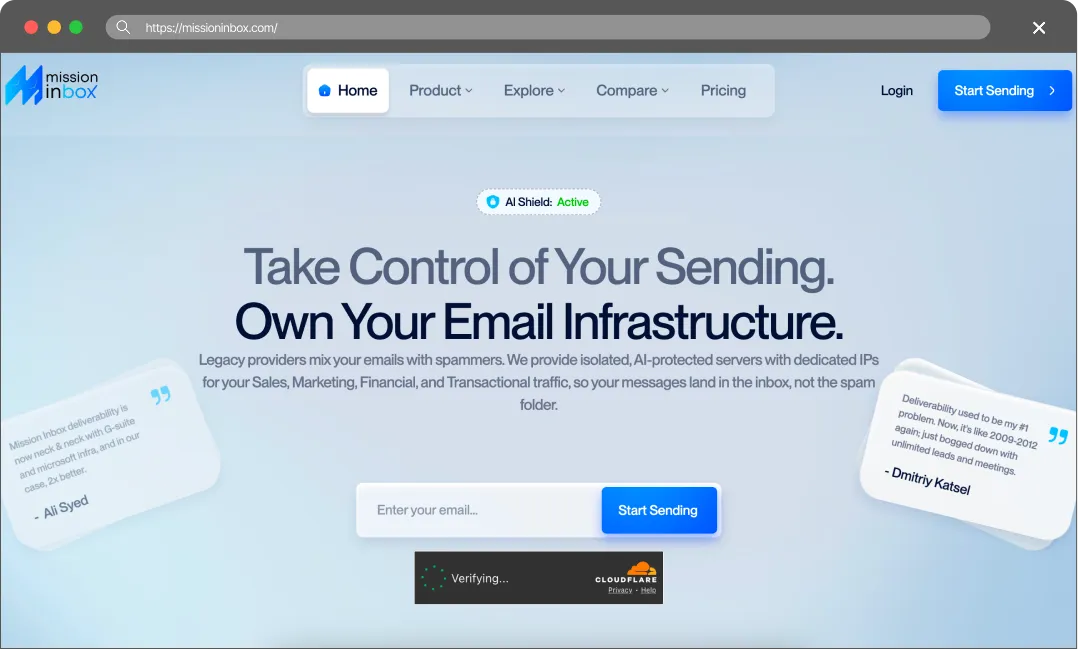
Mission Inbox was founded in January 2024 by Steve and Anthony Baltodano.
They provide isolated, AI-protected servers with dedicated IPs. The service also offers “AI-Enforced Protection,” which analyzes your emails and blocks those that resemble spam.
For $199 per month, they provide 30 mailboxes and 2–3 dedicated IP addresses. To be honest, this is overpriced, especially considering you have to pay extra for each email sent.
The True Cost of Bad Deliverability
It’s tempting to choose a provider based solely on the lowest price, but budget infrastructure often leads to hidden costs. When deliverability drops, the consequences usually show up in three areas:
- Burned Leads: High-quality B2B data is expensive. If emails land in spam, those contacts never see the pitch, and the budget spent on data is lost.
- Damaged Domains: Fixing a domain flagged by spam filters can be a massive headache. Often, it’s easier to just buy a new one and start the warm-up process all over again.
- Missed Revenue: Every missed inbox is a missed meeting. In B2B sales, losing even one connection can mean missing out on thousands in closed revenue.
Cold email infrastructure is better viewed as an investment. Maildoso provides the technical tools to protect domain reputation and help keep emails in the primary inbox.
Final Thoughts
We do not recommend using Mission Inbox, despite all their purported advantages.
In our experience, as well as the experience of our clients, dedicated IPs are no guarantee of high deliverability. If your dedicated IPs get burned, you are left with no choice but to purchase new ones. In contrast, our IP rotation technology automatically replaces them for you – so seamlessly that you won’t even notice.
Furthermore, their pricing is excessive. $199 per month for just 30 mailboxes is simply too much. Even factoring in an average cost of $20 per dedicated IP (with two included), the cost per mailbox reaches $6, which is 4 to 6 times higher than the market average.
It gets even worse on their Pro plan, where you’ll pay a staggering $599 for the same number of mailboxes – amounting to roughly $19 per mailbox.
FAQ
Is Mission Inbox cheaper than Maildoso?
Mission Inbox’s lowest plan is $199 with ~$6 per mailbox, while with Maildoso you can create SMTP 10 mailboxes for $28. Additionally, their pricing page states that if you exceed your sending limits, you must pay extra for every 1k emails. This makes their subscription plans even more disadvantageous.
Does Mission Inbox offer API access?
Yes. Mission Inbox offers API sending on its Pro plan, which costs $599/month on the public pricing page. But on Maildoso, it’s available even if you buy just 1 mailbox.
Which is better for high-volume outbound?
Sending high volumes of emails requires significant infrastructure investment. In our view, paying anywhere from $6 to $19 per mailbox is simply unsustainable at scale. You can literally get 10 times the number of mailboxes by choosing other providers. Dedicated IPs do not offer nearly enough reliability to justify such a steep price point.