Mailrun Alternative & Review
Looking for a Mailrun alternative? Compare pricing, ratings, features, pros, cons, drawbacks, and better options for cold email infrastructure.
Key Takeaways
- MailRun builds automated email infrastructure exclusively on Microsoft Azure.
- They isolate your domains to protect your sender reputation.
- Maildoso.ai gives you more flexibility to use Google, Microsoft, or SMTP.
- Maildoso.ai costs significantly less to start and scale.
Mailrun Review
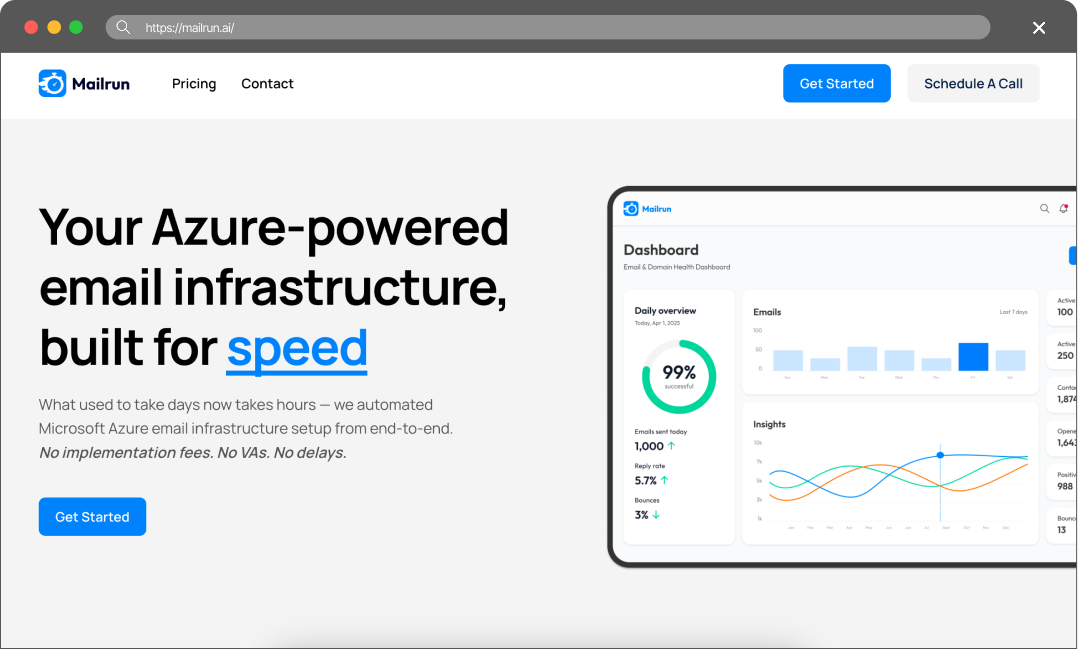
Looking for a Mailrun alternative? Compare pricing, ratings, features, pros, cons, drawbacks, and better options for cold email infrastructure.
mailrun.ai (you can use the code JoinStuartAtMailRun for a little discount) or slicey.ai is who I would use.
— user review
Pros
- Azure infrastructure: Microsoft Azure IPs generally have high trust and bypass strict corporate spam filters easily.
- Isolated setup: They isolate your domains so other spammers cannot ruin your reputation.
- Full automation: They handle everything via API, pushing the accounts directly to your sending tool.
Cons
- Very expensive: Their cheapest plan is $129 a month, making it hard for smaller teams to start.
- Microsoft only: You cannot diversify your sending with Google Workspace accounts.
- Strict limits: They only allow 10 inboxes per domain, forcing you to buy more domains to scale.
Maildoso Review
Maildoso is an outbound infrastructure provider built around dedicated IPs, white-glove deliverability onboarding, and a flat per-mailbox model with no per-account cap. It is designed for sales and demand-gen teams that need predictable inbox placement at scale without operating their own mail servers.
Maildoso Pros
- Dedicated IPs from day one — no shared-pool contamination from neighbouring senders.
- White-glove onboarding with deliverability engineers; SPF, DKIM, and DMARC configured for you.
- Flat per-mailbox pricing with no monthly send cap and no per-account markup.
- Direct support from a team that operates mail infrastructure, not generic ticket triage.
Maildoso Cons
- Higher entry price than shared-IP services aimed at single-mailbox use.
- Designed for teams sending at scale; overkill for one or two mailboxes.
Detailed Pricing Comparison
| Mailbox type | Price per mailbox | Minimum package |
|---|---|---|
| Maildoso SMTP | $0.49-2.5 | $25 |
| Maildoso GW | $2.7-4 | $40 |
| MailRun | $0.9-1.3 | $129 |
Feature Comparison Table
| Feature | Maildoso | Mailrun |
|---|---|---|
| Mailbox types | SMTP, GW | Azure |
| API Availability | Full access (on all plans) | No access |
| IP type | IP rotation (best for deliverability) | Shared IPs |
| Self-healing mailboxes | Support | Email, Chat, Slack, Tech Audits |
| Chat, Email | Done-For-You | Refund policy |
| 30-day guarantee | Strictly no refunds | Trials |
| 300 mailboxes for 30 days | Final rating | ⭐⭐⭐⭐⭐ |
Scaling cold email is hard. You buy domains, set up mailboxes, and wait two weeks to warm them up. Then a spam filter flags your IP, and you have to start over. It wastes time and kills your reply rates. You need a reliable infrastructure that scales without burning your budget. Most providers sell basic accounts and leave the heavy lifting to you. Finding a setup that actually keeps you in the primary inbox is the real challenge.
This article compares two cold email infrastructure providers – Maildoso and MailRun – to help you decide which one fits your outreach operation.
Key Takeaways
MailRun Review
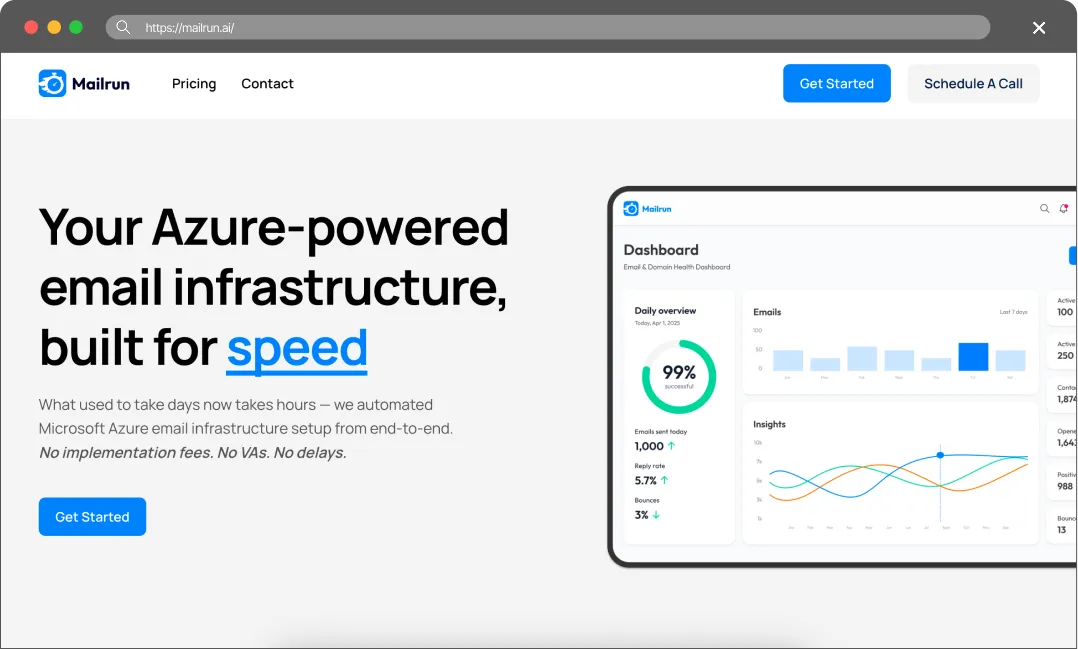
MailRun builds premium email infrastructure using Microsoft Azure. They target enterprise senders who want high security and speed. They automate the entire process, from buying the domains to creating the inboxes. They put your accounts on isolated tenants. This means you do not share a server environment with other senders, which protects your reputation. They charge a premium for this security.
The True Cost of Bad Deliverability
Do not choose a provider just because they offer the cheapest inboxes. Cheap infrastructure always costs more in the long run. When your deliverability drops, you pay for it in three ways:
- You burn expensive leads. Good B2B data costs money. If your emails land in the spam folder, you waste those leads. You pay for contacts who never even see your pitch.
- You destroy your domains. Once spam filters flag a domain, it is incredibly hard to fix. You usually have to throw the domain away, buy a new one, and start the warm-up process all over again.
- You lose revenue. Every email that goes to spam is a missed meeting. In B2B sales, missing one connection can cost you thousands of dollars in closed revenue.
You have to treat cold email infrastructure as an investment. Maildoso.ai gives you the technical tools to protect your domains and keep your emails in the primary inbox. It is the only way to scale outbound sales profitably.
Final Thoughts
MailRun offers mailboxes built on Azure infrastructure. While these mailboxes are very cheap (averaging around $1), the savings are illusory rather than real:
Volume Limitations: On average, you can only send 3–5 emails per mailbox (as opposed to 30 emails on Google Workspace accounts). This means you’ll need 6 times as many mailboxes, making the real price 6 times higher.
Reliability Issues: We receive reports almost weekly that yet another Azure-based provider has been blocked. From a reliability standpoint, they are much worse – even worse than SMTP (and incidentally, SMTP often delivers better results than Google Workspace).
FAQ
How do MailRun and Maildoso.ai differ?
MailRun only uses Microsoft Azure and focuses on isolating your domains. Maildoso.ai lets you use multiple providers and focuses on IP rotation and self-healing mailboxes.
Are Microsoft Azure accounts better than Google Workspace?
No, no, no. Azure mailboxes are extremely unreliable and fall short of every other type of mailbox.
Which is better for an agency?
Maildoso.ai. The API access and automated recovery tools make it much easier to manage multiple clients at scale.
Do both offer API access?
Maildoso provides full API access. For MailRun, it’s not specified.