Maildeck Alternative & Review
Maildeck reviews explained: Reddit, Trustpilot, ratings, pricing, pros, cons, buyer concerns, and whether it is worth using for cold email.
Key Takeaways
- Maildeck provides GW accounts, Azure tenants, and SMTP mailboxes (both new ones and prewarmed) starting from $0.9.
- Maildoso provides SMTP mailboxes for $0.49 per mailbox and GW accounts. It includes self-healing mailboxes and IP rotation, which is better than dedicated IPs.
Maildeck Review
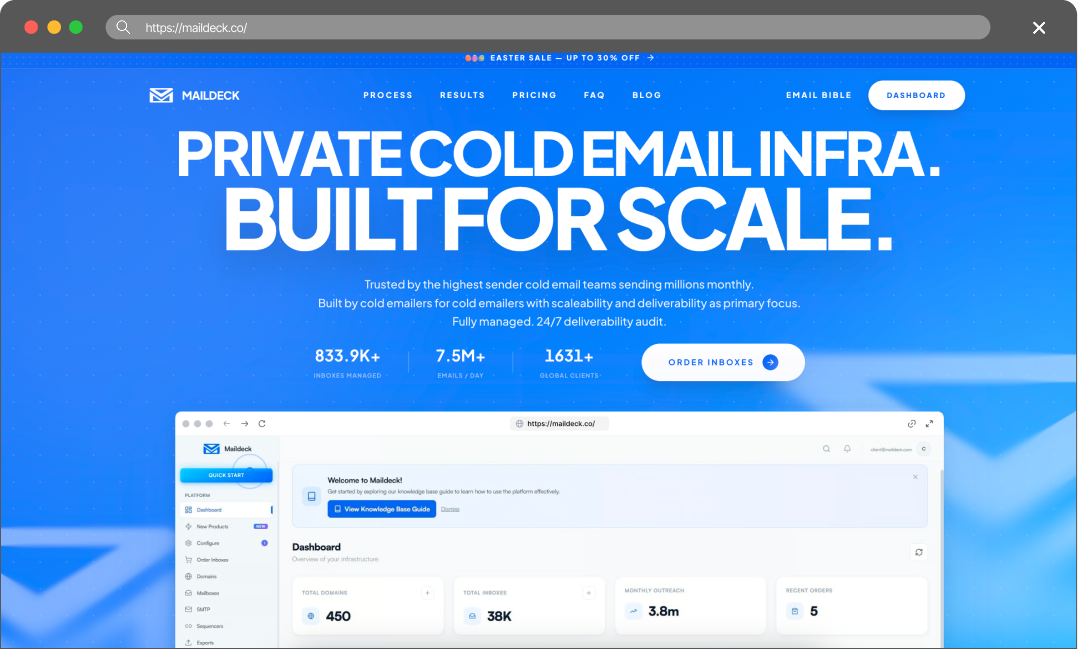
Maildeck reviews explained: Reddit, Trustpilot, ratings, pricing, pros, cons, buyer concerns, and whether it is worth using for cold email.
Rating & Reviews
I bought on maildeck and its taking me FOREVER to get setup because I have to constantly keep pinging their support team to finish setting me up.
— user review
Likely managing manually rather than via reseller - example maildeck has plans for 4-10 domains which is too big for most starters.
— user review
Pros
- Enterprise Scale: Built for teams sending millions of emails monthly, MailDeck’s infrastructure is designed to handle massive volume.
- Variety of mailboxes: They offer a comprehensive mix of Google Workspace accounts, Azure tenants, and SMTP mailboxes.
- Low SMTP Cost: At $0.50 per mailbox for SMTP, the raw cost of their basic infrastructure is very low, provided you meet their volume requirements.
Cons
- 🔴 Slow Setup and Support: User reviews indicate that the setup process can be painfully slow, requiring constant follow-ups with their support team.
- 🔴 High Barrier to Entry:Their packages and domain requirements are geared toward enterprise users, making them too large and complex for smaller agencies or starters.
Maildoso Review
Maildoso is an outbound infrastructure provider built around dedicated IPs, white-glove deliverability onboarding, and a flat per-mailbox model with no per-account cap. It is designed for sales and demand-gen teams that need predictable inbox placement at scale without operating their own mail servers.
Maildoso Pros
- Dedicated IPs from day one — no shared-pool contamination from neighbouring senders.
- White-glove onboarding with deliverability engineers; SPF, DKIM, and DMARC configured for you.
- Flat per-mailbox pricing with no monthly send cap and no per-account markup.
- Direct support from a team that operates mail infrastructure, not generic ticket triage.
Maildoso Cons
- Higher entry price than shared-IP services aimed at single-mailbox use.
- Designed for teams sending at scale; overkill for one or two mailboxes.
Detailed Pricing Comparison
| Mailbox type | Price per mailbox | Minimum package |
|---|---|---|
| Maildoso SMTP | $0.49-2.5 | $25 |
| Maildoso GW | $2.7-4 | $40 |
| Maildeck SMTP | $0.5 | $50 |
| Maildeck GW | $2.9-3.9 | $39 |
Feature Comparison Table
| Feature | Maildoso | Maildeck |
|---|---|---|
| Mailbox types | SMTP, GW | GW, Azure, SMTP, Prewarmed |
| API Availability | Full access (on all plans) | No access |
| IP type | IP rotation (best for deliverability) | Shared IPs (low performance) |
| Self-healing mailboxes | ✅ | ❌ |
| Support | Email, Chat, Slack, Tech Audits | Email, Chat, Discord |
| Refund policy | 30-day guarantee | 30-day guarantee |
| Trials | 300 mailboxes for 30 days | 14-day free trial |
| Final rating | ⭐⭐⭐⭐⭐ | ⭐⭐⭐ |
Cold outreach breaks when infrastructure breaks. A campaign can have strong targeting, clean copy, and good sequencing, but if the mailboxes are weak, the result is still spam placement, account churn, and stalled pipeline. The problem becomes more expensive at scale because every burned mailbox can mean lost warmup time, new DNS work, reconnecting sequencers, and replacing domains.
This comparison looks at Maildeck and Maildoso as infrastructure providers for teams that need outbound-ready mailboxes. The focus is practical: pricing, mailbox types, IP approach, recovery options, support, refund visibility, public reviews, and what each provider is best suited for.
Key Takeaways
Maildeck Review
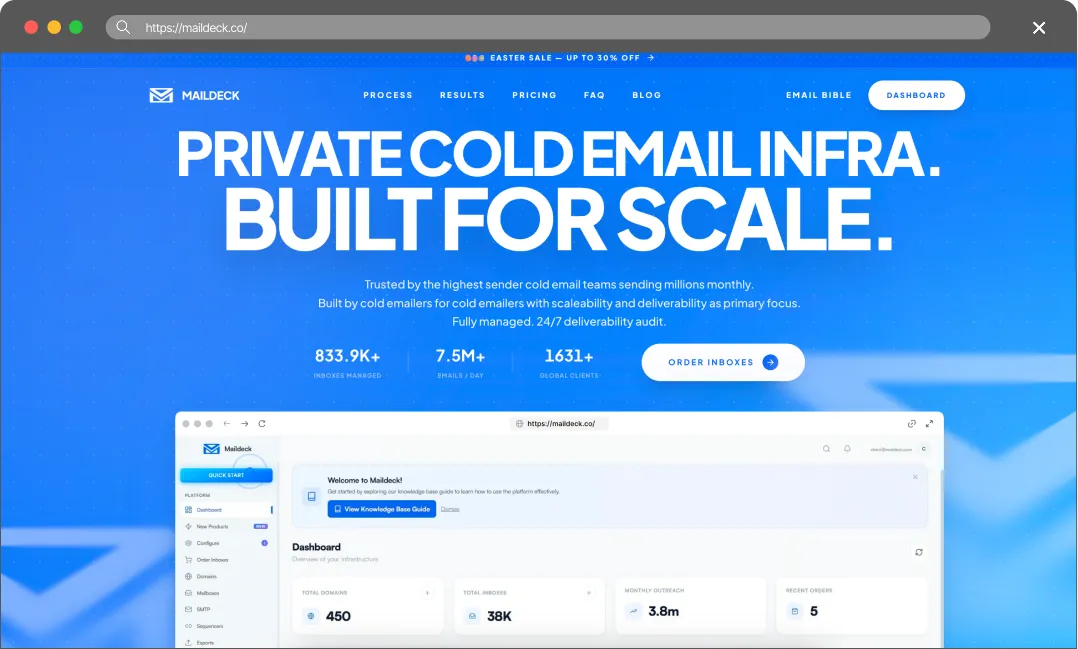
MailDeck positions itself as private cold email infrastructure built specifically for scale. Catering to high-volume senders, they claim to manage over 636,000 mailboxes sending 7.4 million emails daily for more than 1,500 global clients.
They offer a mix of Azure tenants, Google Workspace accounts, and SMTP mailboxes with dedicated IPs. A key feature they highlight is a fully managed, 24/7 deliverability audit. While their raw SMTP pricing is low, their focus is heavily skewed toward large-scale operations, which can make their platform cumbersome for smaller teams or those just beginning to scale.
The True Cost of Bad Deliverability
It’s tempting to choose a provider based solely on the lowest price, but budget infrastructure often leads to hidden costs. When deliverability drops, the consequences usually show up in three areas:
- Burned Leads: High-quality B2B data is expensive. If emails land in spam, those contacts never see the pitch, and the budget spent on data is lost.
- Damaged Domains: Fixing a domain flagged by spam filters can be a massive headache. Often, it’s easier to just buy a new one and start the warm-up process all over again.
- Missed Revenue: Every missed inbox is a missed meeting. In B2B sales, losing even one connection can mean missing out on thousands in closed revenue.
Cold email infrastructure is better viewed as an investment. Maildoso provides the technical tools to protect domain reputation and help keep emails in the primary inbox.
Final Thoughts
We have carefully reviewed Maildeck, and we must note that this provider offers many interesting features, such as dedicated IPs for SMTP, a built-in warmup, free domain replacement, and API support for Google Workspace, all while keeping pricing quite reasonable (just 50 cents for SMTP).
However, at the same time, we are obliged to point out that the advertised Microsoft 365/Outlook mailboxes are actually Azure tenants (which, in our experience, is the least reliable infrastructure), and the Google Workspace accounts do not come with business licenses (they are most likely EDU accounts sourced from India).
Thus, despite its initial appeal, a deeper look reveals that the product comes with a number of issues.
We do not recommend using Maildeck. In our view, it is better to choose a simpler, yet more reliable solution.
FAQ
How quickly can I start sending emails?
Maildoso allows you to register domains and have mailboxes ready to use within 15 minutes, with SPF, DKIM, and DMARC auto-configured. MailDeck users have reported that setup can take a long time and requires back-and-forth with support.
Can I mix Google Workspace and SMTP accounts?
Yes, Maildoso offers Combo plans that allow you to seamlessly blend Google Workspace and SMTP accounts to balance deliverability and volume.
What happens if my mailboxes get burned or flagged?
Maildoso features a self-healing system that automatically pauses flagged mailboxes for 14 days to recover their reputation, bringing them back into rotation once healthy.
Do these platforms offer a guarantee?
Yes, both platforms offer trials – a 30-day trial (Maildoso) and a 14-day trial (Maildeck), but 14 days aren’t enough to evaluate the product, as you’ll spend that time on warmup.