Mailbomb Alternative & Review
Mailbomb reviews explained: Reddit, Trustpilot, ratings, pricing, pros, cons, buyer concerns, and whether it is worth using for cold email.
Key Takeaways
- MailBomb sells very cheap Google Workspace and Microsoft 365 accounts.
- They offer a 45-day free trial for up to 9 accounts.
- Maildoso.ai costs a bit more but provides a much safer infrastructure.
- Maildoso.ai protects your sender reputation; MailBomb just sells cheap accounts.
Mailbomb Review
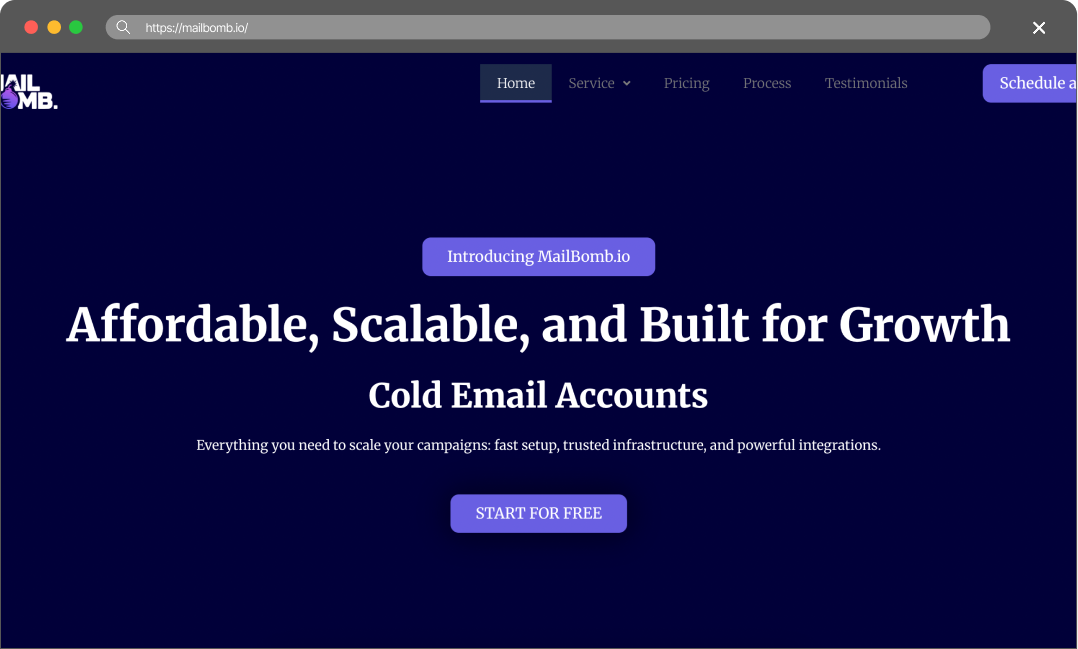
Mailbomb reviews explained: Reddit, Trustpilot, ratings, pricing, pros, cons, buyer concerns, and whether it is worth using for cold email.
Pros
- Very cheap: You can get accounts for as low as $1 per inbox if you buy in bulk.
- Long trial: They let you test up to 9 accounts for 45 days for free.
- Automated setup: They handle the DNS records and tool integrations for you.
Cons
- Questionable quality: Extremely cheap accounts often share IPs with spammers, which ruins your deliverability.
- Basic tech: They do not offer IP rotation or self-healing mailboxes.
- No public proof: They claim thousands of customers, but no one reviews them online.
Maildoso Review
Maildoso is an outbound infrastructure provider built around dedicated IPs, white-glove deliverability onboarding, and a flat per-mailbox model with no per-account cap. It is designed for sales and demand-gen teams that need predictable inbox placement at scale without operating their own mail servers.
Maildoso Pros
- Dedicated IPs from day one — no shared-pool contamination from neighbouring senders.
- White-glove onboarding with deliverability engineers; SPF, DKIM, and DMARC configured for you.
- Flat per-mailbox pricing with no monthly send cap and no per-account markup.
- Direct support from a team that operates mail infrastructure, not generic ticket triage.
Maildoso Cons
- Higher entry price than shared-IP services aimed at single-mailbox use.
- Designed for teams sending at scale; overkill for one or two mailboxes.
Detailed Pricing Comparison
| Mailbox type | Price per mailbox | Minimum package |
|---|---|---|
| Maildoso SMTP | $0.49-2.5 | $25 |
| Maildoso GW | $2.7-4 | $40 |
| MailBomb GW | $1-2 | $75 |
| MailBomb MS 365 | $2-3 | $125 |
| MailBomb Pre-warmed | $4-6 | $100 |
Feature Comparison Table
| Feature | Maildoso | Mailbomb |
|---|---|---|
| Mailbox types | SMTP, GW | GW, MS 365 |
| API Availability | Full access (on all plans) | No access |
| IP type | IP rotation (best for deliverability) | US IPs (doubtful) |
| Self-healing mailboxes | Support | Email, Chat, Slack, Tech Audits |
| Slack, WhatsApp, Email | Done-For-You | Refund policy |
| 30-day guarantee | Strictly no refunds | Trials |
| 300 mailboxes for 30 days | 9 GW/MS mailboxes for 45 days | Final rating |
Scaling cold email is hard. You buy domains, set up mailboxes, and wait two weeks to warm them up. Then a spam filter flags your IP, and you have to start over. It wastes time and kills your reply rates. You need a reliable infrastructure that scales without burning your budget. Most providers sell basic accounts and leave the heavy lifting to you. Finding a setup that actually keeps you in the primary inbox is the real challenge.
This article compares two cold email infrastructure providers – Maildoso.ai and MailBomb – to help you decide which one fits your outreach operation.
Key Takeaways
Mailbomb Review
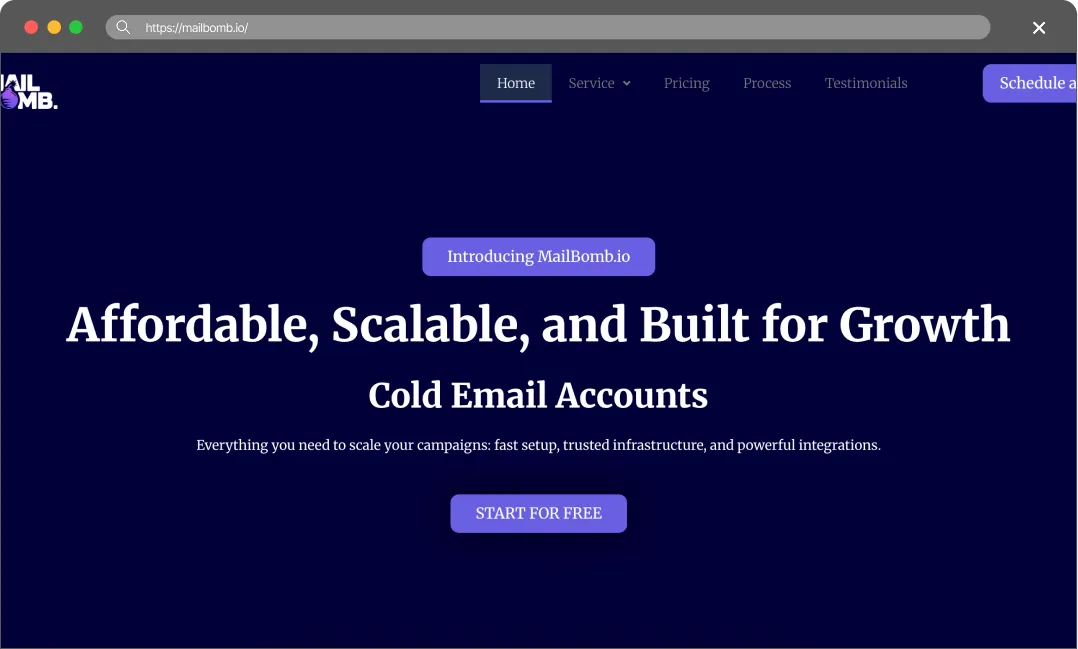
MailBomb competes entirely on price. They sell Google Workspace, Microsoft 365, and pre-warmed accounts at rock-bottom rates. They claim to have served over 1,500 companies in the last six years. They automate the DNS setup and connect the accounts to your sending tools. Their main selling point is letting you start sending cold emails for almost no money upfront.
The True Cost of Bad Deliverability
Do not choose a provider just because they offer the cheapest inboxes. Cheap infrastructure always costs more in the long run. When your deliverability drops, you pay for it in three ways:
- You burn expensive leads. Good B2B data costs money. If your emails land in the spam folder, you waste those leads. You pay for contacts who never even see your pitch.
- You destroy your domains. Once spam filters flag a domain, it is incredibly hard to fix. You usually have to throw the domain away, buy a new one, and start the warm-up process all over again.
- You lose revenue. Every email that goes to spam is a missed meeting. In B2B sales, missing one connection can cost you thousands of dollars in closed revenue.
You have to treat cold email infrastructure as an investment. Maildoso.ai gives you the technical tools to protect your domains and keep your emails in the primary inbox. It is the only way to scale outbound sales profitably.
Final Thoughts
Mailbomb doesn’t have its own infrastructure; they simply resell Google Workspace and Microsoft accounts. However, official business-licensed accountscannot cost less than $3! There is a high probability that you’ll end up with cheap EDU accounts linked to Pakistani or Indian IPs. If that happens, your domains will be blacklisted within a week. What seemed like savings will end up costing you more in lost domains, new mailboxes, and wasted time.
Maildoso.ai costs a bit more upfront, but you get a system that actually protects your campaigns. IP rotation and self-healing mailboxes ensure your emails reach the primary inbox, giving you a real return on your investment.
FAQ
How do MailBomb and Maildoso.ai compare?
MailBomb focuses on selling the cheapest possible accounts. Maildoso.ai focuses on building a secure infrastructure that keeps your emails out of the spam folder.
Which service protects my deliverability better?
Maildoso.ai. We use IP rotation and self-healing mailboxes to protect your sender reputation. MailBomb just gives you the accounts.
Is MailBomb’s free trial better?
MailBomb gives you 45 days for 9 accounts. Maildoso.ai gives you 30 days for 300 SMTP accounts. Maildoso.ai’s trial is better if you actually want to test volume.
Does MailBomb rotate IPs?
No. If the IP associated with your MailBomb account gets flagged, your deliverability tanks.