️ Full InboxNavigator Alternative & Review
InboxNavigator review with pricing, ratings, pros, cons, features, key drawbacks, and a clear verdict for cold email infrastructure buyers in 2026.
Key Takeaways
- Target audience: InboxNavigator is aimed at users who want a completely managed, done-for-you service with pre-warmed options; Maildoso is designed for scaling agencies that want control, cost-efficiency, and hybrid infrastructure.
- Infrastructure: InboxNavigator uses US-based IPs and AWS-based SMTP; Maildoso features dynamic IP rotation and a unique self-healing mailbox system.
- Pricing: InboxNavigator’s Google Workspace starts at $3/mailbox, and their pre-warmed mailboxes are $7 each; Maildoso offers highly scalable pricing starting at just $0.49/month per mailbox.
- Support & Reliability: Both platforms handle the heavy lifting of DNS setup, but Maildoso offers more advanced features like automated inbox placement tests and technical audits.
️ Full InboxNavigator Review
InboxNavigator review with pricing, ratings, pros, cons, features, key drawbacks, and a clear verdict for cold email infrastructure buyers in 2026.
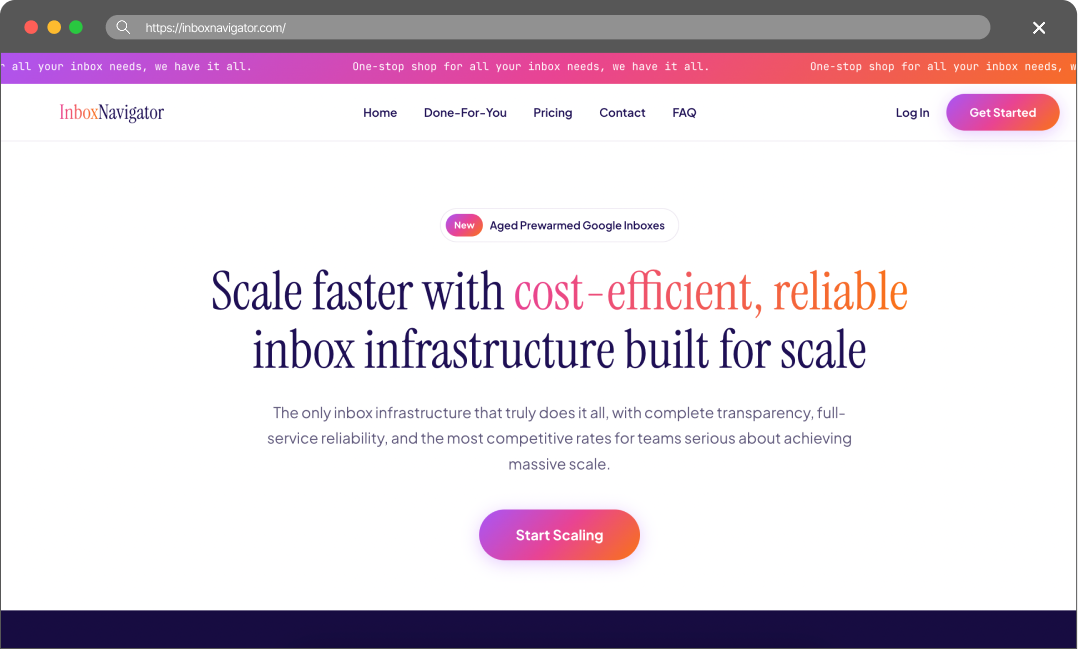
Use a platform like inboxnavigator.com which will set all the emails and backend for you and add them to your outreach platform. Inbox Navigator will manage your domains and then set up SPF, DKIM, DMARC.
— user review
Pros
- Done-For-You Setup: The completely managed service is ideal for users who want zero technical involvement. They handle everything from domain purchase to sequencer integration.
- Pre-Warmed Options: They offer pre-warmed Google inboxes ($7 one-time fee) that allow users to start sending immediately without waiting weeks for the warmup process.
- Variety of Options: They provide Google Workspace, Microsoft 365/Azure, and AWS-based SMTP, giving users multiple infrastructure choices.
Cons
- Lack of Public Reviews: With no presence on Trustpilot or G2, it’s harder to gauge long-term reliability and customer satisfaction at scale.
- Manual Onboarding Process: While “done-for-you” is nice, it relies on filling out a form and waiting for their team to set it up, which may not be as instant as automated, self-serve dashboards.
- Higher Costs for Pre-Warmed Accounts: The $7 per inbox cost for pre-warmed accounts can add up quickly if you are trying to scale to hundreds of inboxes.
Maildoso Review
Maildoso is an outbound infrastructure provider built around dedicated IPs, white-glove deliverability onboarding, and a flat per-mailbox model with no per-account cap. It is designed for sales and demand-gen teams that need predictable inbox placement at scale without operating their own mail servers.
Maildoso Pros
- Dedicated IPs from day one — no shared-pool contamination from neighbouring senders.
- White-glove onboarding with deliverability engineers; SPF, DKIM, and DMARC configured for you.
- Flat per-mailbox pricing with no monthly send cap and no per-account markup.
- Direct support from a team that operates mail infrastructure, not generic ticket triage.
Maildoso Cons
- Higher entry price than shared-IP services aimed at single-mailbox use.
- Designed for teams sending at scale; overkill for one or two mailboxes.
Detailed Pricing Comparison
| Mailbox type | Price per mailbox | Minimum package |
|---|---|---|
| Maildoso SMTP | $0.49-2.5 | $25 |
| Maildoso GW | $2.7-4 | $40 |
| InboxNavigator SMTP | $1.25 | $25 |
| InboxNavigator GW | $3 | $30 |
Feature Comparison Table
| Feature | Maildoso | ️ Full InboxNavigator |
|---|---|---|
| Mailbox types | SMTP, GW | GW, SMTP, Azure |
| API Availability | Full access (on all plans) | No access |
| IP type | IP rotation (best for deliverability) | US-based IPs |
| Self-healing mailboxes | Support | Email, Chat, Slack, Tech Audits |
| Not specified | Done-For-You | Refund policy |
| 30-day guarantee | Free Swapping and Replacements | Trials |
| 300 mailboxes for 30 days | Final rating | ⭐⭐⭐⭐⭐ |
Scaling cold email campaigns often feels like an endless battle against spam filters. As you increase volume, the complexity of managing infrastructure grows exponentially. Low deliverability, burned-out mailboxes that force you to start over, and the high costs of maintaining a reliable setup are common hurdles. Teams need a solution that not only simplifies setup but also actively protects sender reputation over the long term.
This article compares two cold email infrastructure providers – Maildoso and InboxNavigator – to help you decide which one fits your outreach operation.
Key Takeaways
InboxNavigator Review
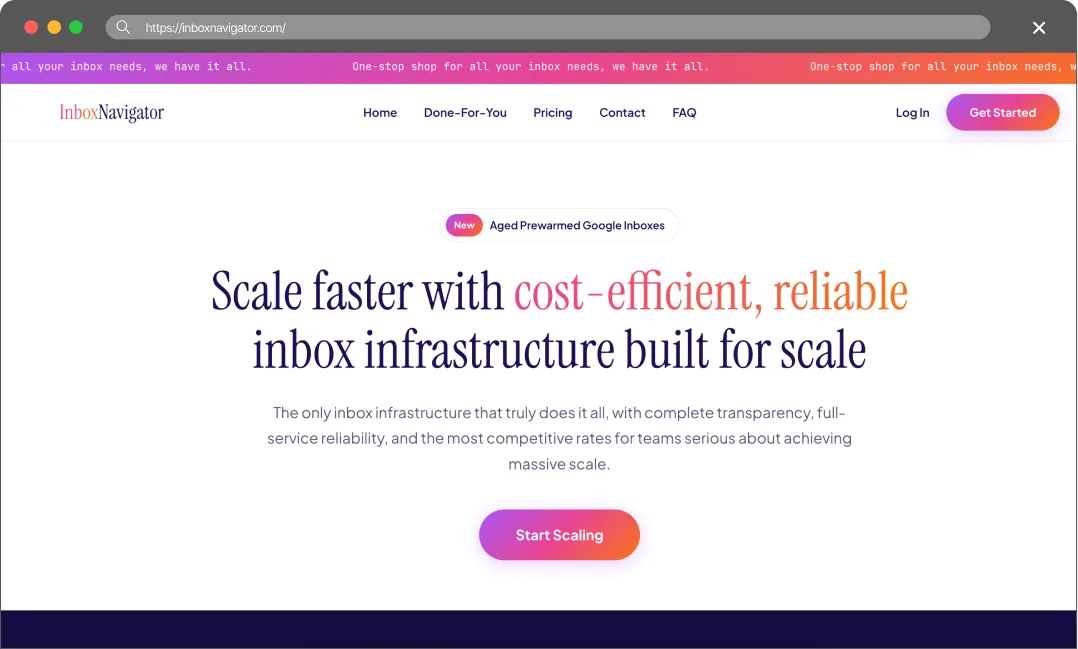
InboxNavigator is a cold email infrastructure provider that focuses heavily on a “Done-For-You” approach. They offer completely managed Google Workspace and Outlook inboxes, as well as AWS-based SMTP and pre-warmed Google accounts. Their main selling point is zero-effort onboarding: users fill out a form in 5 minutes, and InboxNavigator handles the domain setup, DNS configuration (SPF, DKIM, DMARC), and directly imports the inboxes into platforms like Smartlead or Instantly. They emphasize using premium US-based IPs to ensure high deliverability.
The True Cost of Bad Deliverability
It’s tempting to choose a provider based solely on the lowest price, but budget infrastructure often leads to hidden costs. When deliverability drops, the consequences usually show up in three areas:
- Burned Leads: High-quality B2B data is expensive. If emails land in spam, those contacts never see the pitch, and the budget spent on data is lost.
- Damaged Domains: Fixing a domain flagged by spam filters can be a massive headache. Often, it’s easier to just buy a new one and start the warm-up process all over again.
- Missed Revenue: Every missed inbox is a missed meeting. In B2B sales, losing even one connection can mean missing out on thousands in closed revenue.
Cold email infrastructure is better viewed as an investment. Maildoso provides the technical tools to protect domain reputation and help keep emails in the primary inbox.
Final Thoughts
InboxNavigator is a solid choice if you want a completely hands-off, “Done-For-You” service and are willing to pay a premium for pre-warmed accounts so you can start sending on day one. Their setup process removes all technical friction for beginners.
However, for agencies and teams that are serious about scaling and want long-term infrastructure stability, Maildoso is the superior option. Maildoso’s automated dashboard gives you control, while features like dynamic IP rotation and self-healing mailboxes actively work to protect your deliverability. Furthermore, Maildoso’s transparent pricing, proven track record (4.7/5 on G2), and advanced technical audits provide a much more robust foundation for high-volume outbound campaigns.
FAQ
Do both platforms set up DNS records automatically?
Yes, both handle SPF, DKIM, and DMARC. InboxNavigator does this as part of their Done-For-You service after you fill out a form, while Maildoso auto-configures these records instantly via their dashboard.
How quickly can I start sending emails with Maildoso?
Maildoso allows you to register domains and have mailboxes ready to use within 15 minutes, with SPF, DKIM, and DMARC auto-configured (but don’t forget to warm them up for at least 14 days!).
What happens if my mailboxes get burned or flagged?
Maildoso features a self-healing system that automatically pauses flagged mailboxes for 14 days to recover their reputation, bringing them back into rotation once healthy.
Can I mix Google Workspace and SMTP accounts?
Yes, Maildoso offers Combo plans that allow you to seamlessly blend Google Workspace and SMTP accounts to balance deliverability and volume. InboxNavigator offers Google Workspace accounts, SMTP mailboxes and Azure tenants.