Hypertide Alternative & Review
Hypertide pricing and features reviewed: compare ratings, pros, cons, drawbacks, and what to know before choosing a cold email infrastructure tool.
Key Takeaways
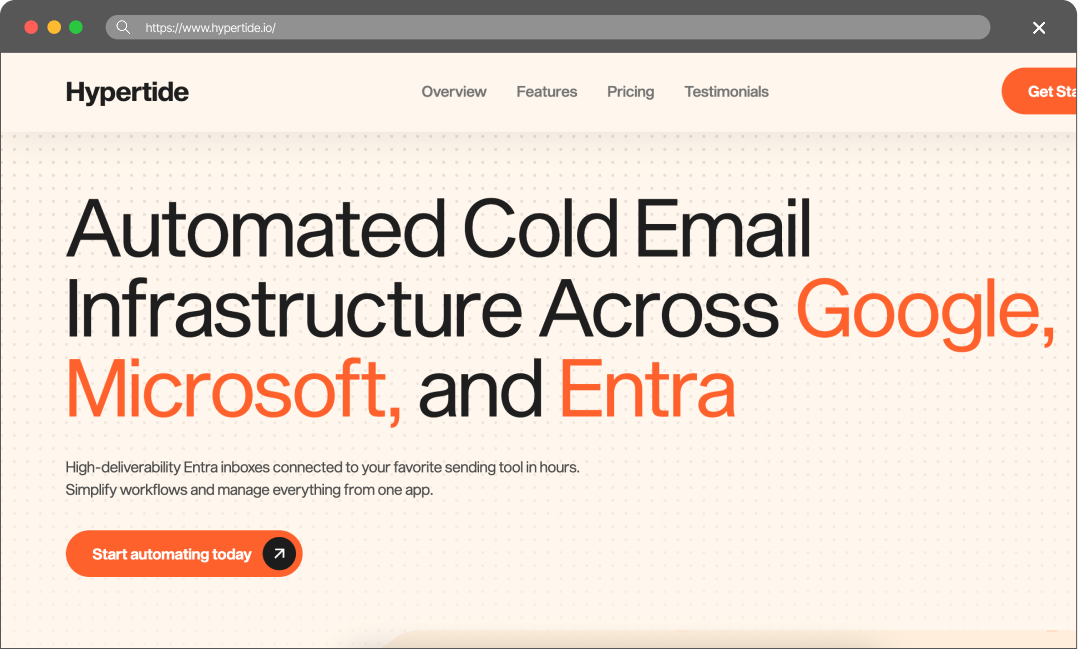
- Hypertide is positioned as automated infrastructure across Google Workspace and Azure. Its official site says it provides high-deliverability Entra mailboxes connected to sending tools in hours, with tenant separation, automated setup, and pre-configured SPF, DKIM, and DMARC.
- Maildoso is stronger for teams that need SMTP infrastructure, IP rotation, self-healing mailboxes, public API documentation, and refund clarity. Maildoso publishes SMTP and Google Workspace pricing, self-healing mailboxes, IP rotation, API documentation, inbox placement checks, and a 30-day money-back guarantee.
Hypertide Review
Hypertide pricing and features reviewed: compare ratings, pros, cons, drawbacks, and what to know before choosing a cold email infrastructure tool.
Rating & Reviews
hypertide - outlook focused, dirt cheap (~$0.50/inbox). solid if your prospects are microsoft heavy. azure shutdown risk is legit though, had a friend lose a batch overnight.
— user review
Pros
- 🟢 Microsoft and Entra focus. The product clearly speaks to Google, Microsoft, and Entra workflows, making it relevant for teams that want Microsoft-style sending infrastructure.
- 🟢 Fast setup promise. The site states that setup is fully automated in 4-6 hours, with SPF, DKIM, and DMARC pre-configured.
- 🟢 Sending-tool connection is included. Hypertide says mailboxes can be auto-linked to Smartlead, Instantly, or Bison, which can reduce manual setup work for common cold email stacks.
Cons
- 🔴 Low sending limits: You get 100 mailboxes for $50, but each can only send 2 emails per day. That is 10–15 times less than the average for Google Workspace or SMTP mailboxes, meaning the actual cost of your infrastructure is significantly higher.
- 🔴 Poor reputation:Azure-based mailboxes are widely considered the least reliable type of account for outreach.
- 🔴 The Initiation Fee: We have reviewed most Azure Tenant providers, and none of them charge a setup fee. Hypertide does (and it’s unclear how much it costs).
- 🔴 Lack of Support: Despite claiming “great support,” there is no live chat. You can only send an email with no clear SLA, leaving it uncertain when – or if – you’ll get a response.
Maildoso Review
Maildoso is an outbound infrastructure provider built around dedicated IPs, white-glove deliverability onboarding, and a flat per-mailbox model with no per-account cap. It is designed for sales and demand-gen teams that need predictable inbox placement at scale without operating their own mail servers.
Maildoso Pros
- Dedicated IPs from day one — no shared-pool contamination from neighbouring senders.
- White-glove onboarding with deliverability engineers; SPF, DKIM, and DMARC configured for you.
- Flat per-mailbox pricing with no monthly send cap and no per-account markup.
- Direct support from a team that operates mail infrastructure, not generic ticket triage.
Maildoso Cons
- Higher entry price than shared-IP services aimed at single-mailbox use.
- Designed for teams sending at scale; overkill for one or two mailboxes.
Detailed Pricing Comparison
| Mailbox type | Price per mailbox | Minimum package |
|---|---|---|
| Maildoso SMTP | $0.49-2.5 | $25 |
| Maildoso GW | $2.7-4 | $40 |
| Hypertide | $0.5 | $50 |
Feature Comparison Table
| Feature | Maildoso | Hypertide |
|---|---|---|
| Mailbox types | SMTP, GW | Azure |
| API Availability | Full access (on all plans) | IP type |
| IP rotation (best for deliverability) | Azure IPS | Self-healing mailboxes |
| Support | Email, Chat, Slack, Tech Audits | Only email |
| Refund policy | 30-day guarantee | Strictly no refunds |
| Trials | 300 mailboxes for 30 days | Final rating |
Cold outreach breaks when infrastructure breaks. A campaign can have strong targeting, clean copy, and good sequencing, but if the mailboxes are weak, the result is still spam placement, account churn, and stalled pipeline. The problem becomes more expensive at scale because every burned mailbox can mean lost warmup time, new DNS work, reconnecting sequencers, and replacing domains.
This comparison looks at Hypertide and Maildoso as infrastructure providers for teams that need outbound-ready mailboxes. The focus is practical: pricing, mailbox types, IP approach, recovery options, support, refund visibility, public reviews, and what each provider is best suited for.
Key Takeaways
Hypertide Review
Hypertide was founded in August 2024 by Omer M.
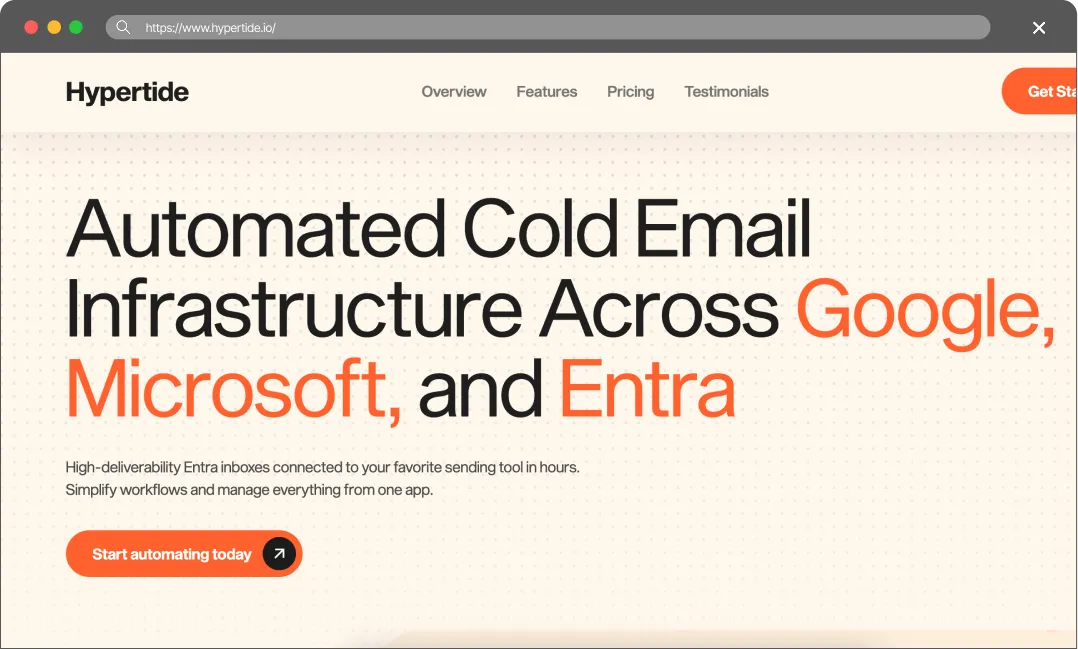
It describes itself as “Automated Cold Email Infrastructure Across Google, Microsoft, and Entra.” The official site says it provides high-deliverability Entra mailboxes, connects them to a user’s favorite sending tool in hours, and simplifies the workflow from one app.
The product is designed for operators who want inbox infrastructure provisioned quickly across Google, Microsoft, and Entra environments. Its page highlights full compatibility with Google, Microsoft, and Entra, tenant separation so every domain and IP is unique, fully automated setup in 4-6 hours, and pre-configured SPF, DKIM, and DMARC.
The True Cost of Bad Deliverability
It’s tempting to choose a provider based solely on the lowest price, but budget infrastructure often leads to hidden costs. When deliverability drops, the consequences usually show up in three areas:
- Burned Leads: High-quality B2B data is expensive. If emails land in spam, those contacts never see the pitch, and the budget spent on data is lost.
- Damaged Domains: Fixing a domain flagged by spam filters can be a massive headache. Often, it’s easier to just buy a new one and start the warm-up process all over again.
- Missed Revenue: Every missed inbox is a missed meeting. In B2B sales, losing even one connection can mean missing out on thousands in closed revenue.
Cold email infrastructure is better viewed as an investment. Maildoso provides the technical tools to protect domain reputation and help keep emails in the primary inbox.
Final Thoughts
Based on their website, Hypertide offers mailboxes built on Azure servers.
At first glance, this approach might seem reliable, suggesting a stable infrastructure where mailboxes won’t “burn” within the first week. However, the reality is quite different.
When it comes to cost, things aren’t as transparent as they seem. For instance, the company advertises a monthly fee of $50 for 100 mailboxes. But they also mention an “initiation fee” for setting up the infrastructure. How much is it? It’s unclear. Meanwhile, out of the 40+ other providers we’ve reviewed, not a single one requires such a fee (also, they charge for domains, which is usually included for free).
Furthermore, their site claims: “Hypertide stands out from other email infrastructure providers because it is fully automated, unlike competitors that rely on virtual assistants or cheap labor to manually configure domains.” Let’s be honest – it’s 2026. No provider has been configuring mailboxes manually for at least two years.
Yet, they also state: “The initiation fee is a 1-time fee that allows us to set up your Azure configurators.” This raises a red flag: does this mean the setup actually involves manual labor? I wanted to ask support about this, but the site lacks a basic chat widget – a feature found on almost every other platform.
As a result, we can’t recommend Hypertide.
FAQ
Is Hypertide cheaper than Maildoso?
Hypertide might seem cheaper since you only pay $0.50 per mailbox, but Azure limits you to just 2 emails per day. With Maildoso, you can confidently send up to 20 emails per day from a single mailbox starting at just $0.49. While our price is 3.6 times higher, you can send 10 times more volume per mailbox. The choice is obvious.
Does Hypertide offer API access?
They mention “Works seamlessly with Google Inbox, Microsoft, and Entra’s Communication APIs”, but it’s not clear. All Maildoso users, regardless of their subscription plan, receive full access to our API (documentation).
Which is better for agencies?
Ultimately, Maildoso is the superior choice. Our mailboxes are more reliable thanks to our unique IP Rotation and Self-healing technology, our pricing is more competitive, and our support is easily accessible via live chat on our website, Reddit, email, and Slack.